
We know that sometimes an order doesn’t go quite to plan. An item might not suit your needs, something may arrive faulty, or you might realise you no longer need part of an order. To make things simpler, we’ve launched a new online Returns Portal – one place to lodge returns, cancellations and missing-item claims, any time of the day or night.
You can start a request in whichever way suits you best. Go straight to our Returns Portal, open My Account > Orders and choose the order you need help with, or visit your My Account > Returns page.
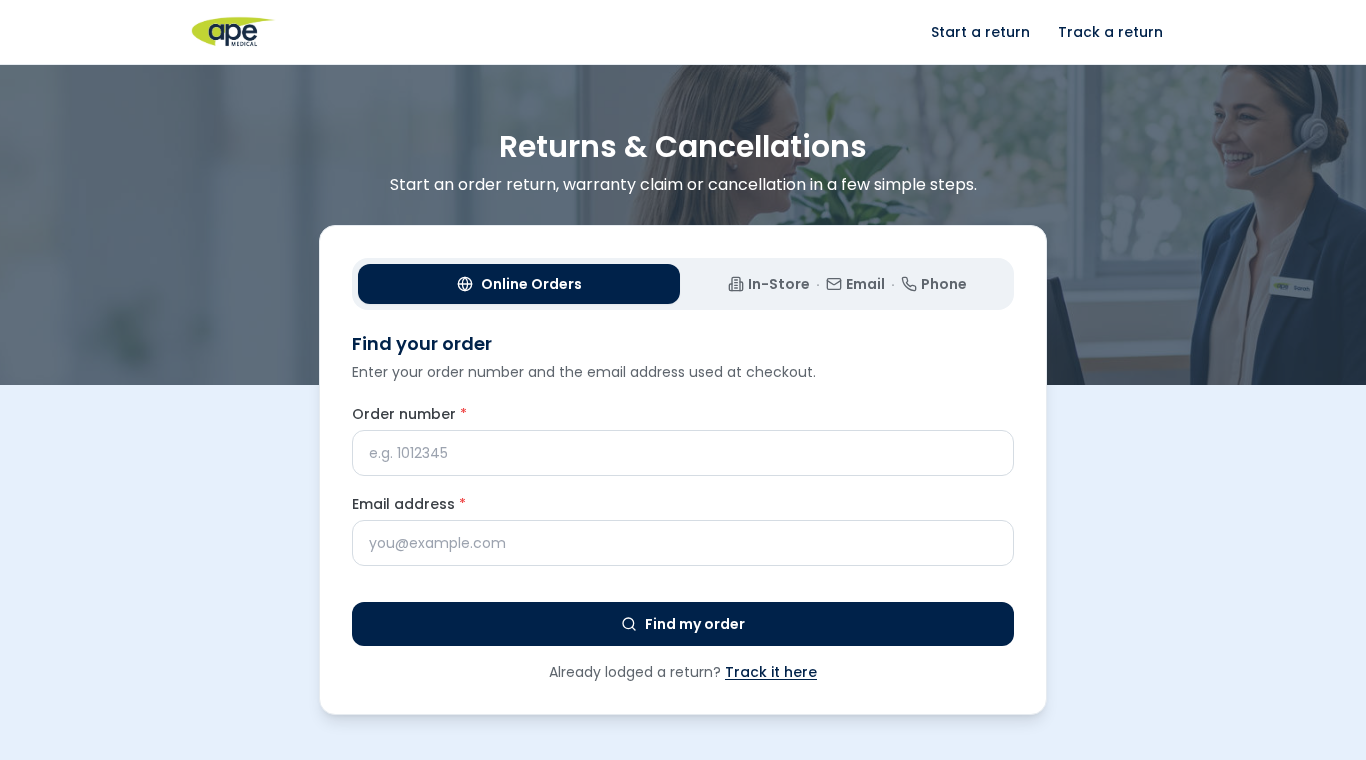
No account? No problem. Guests can use their order number and the email address used on the order to find it.
How it works
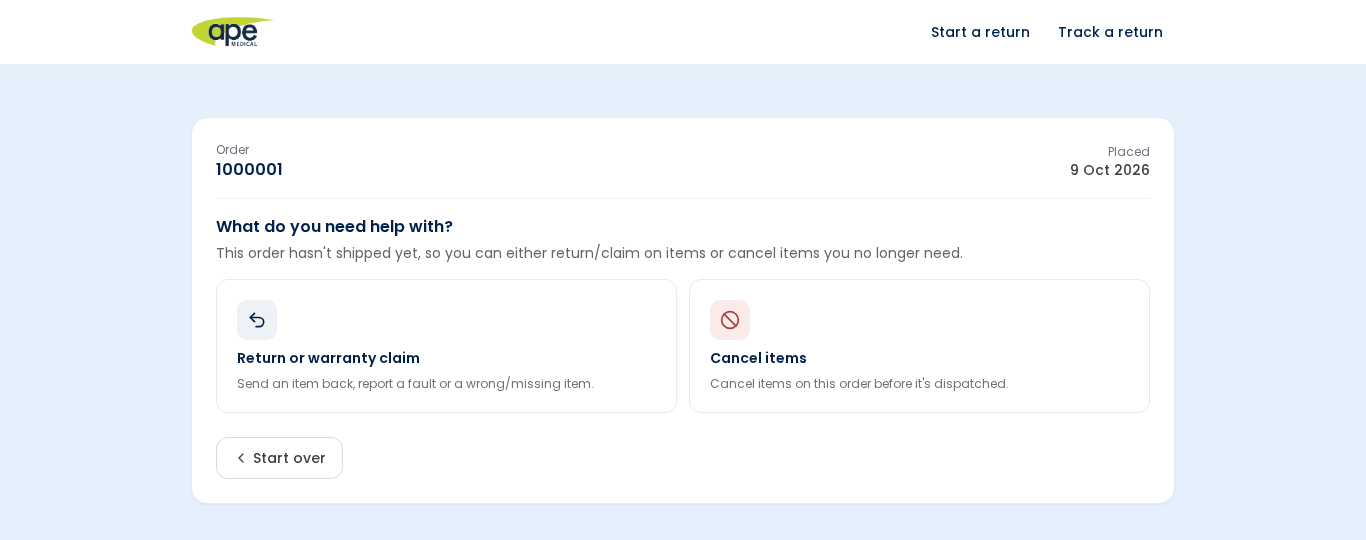
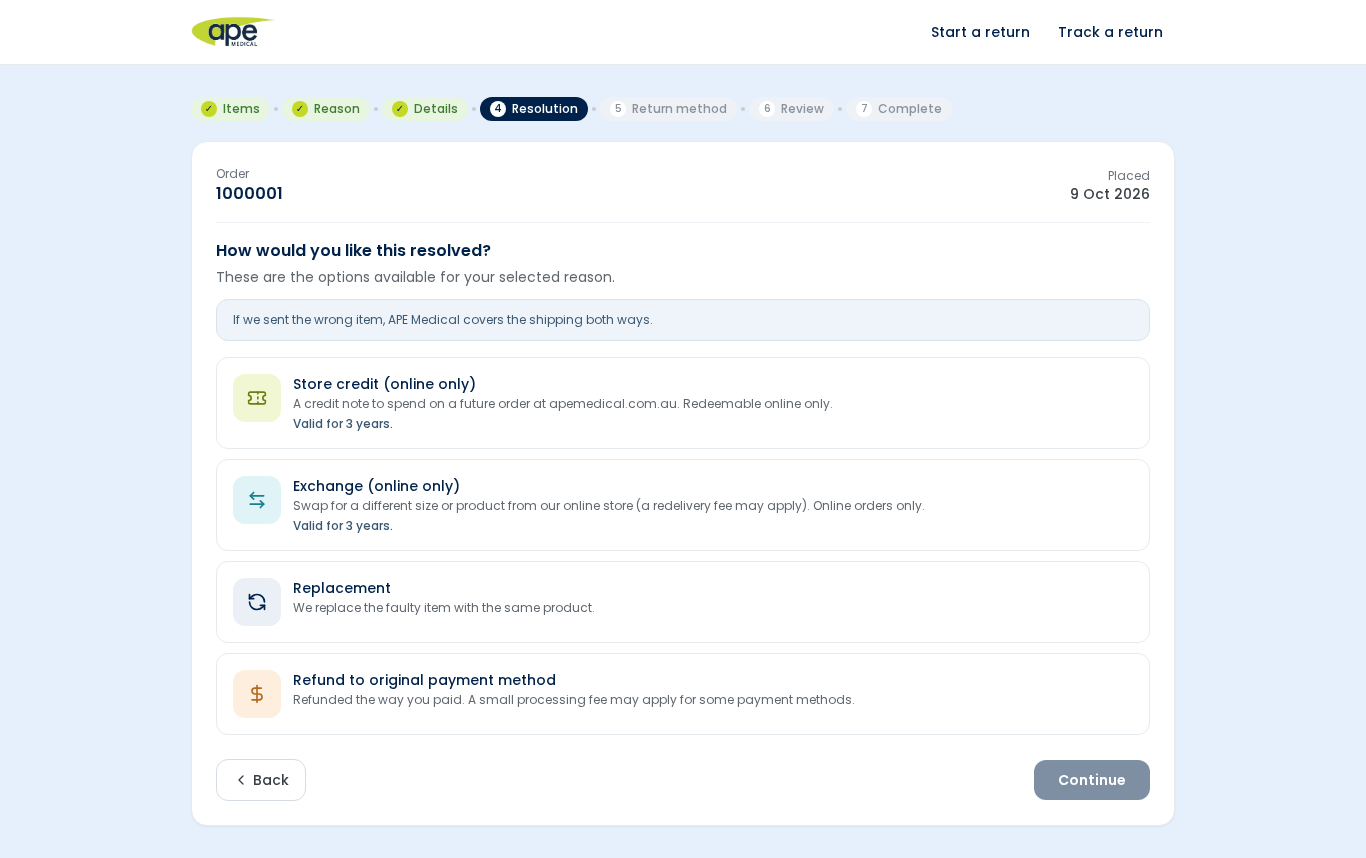
Once your order is found, you’ll see what you can do with it – for example, return an item, make a warranty claim or, where it’s still possible, cancel items you no longer need. You then select the items and quantities, and if something didn’t turn up, you can mark it as missing from your parcel.
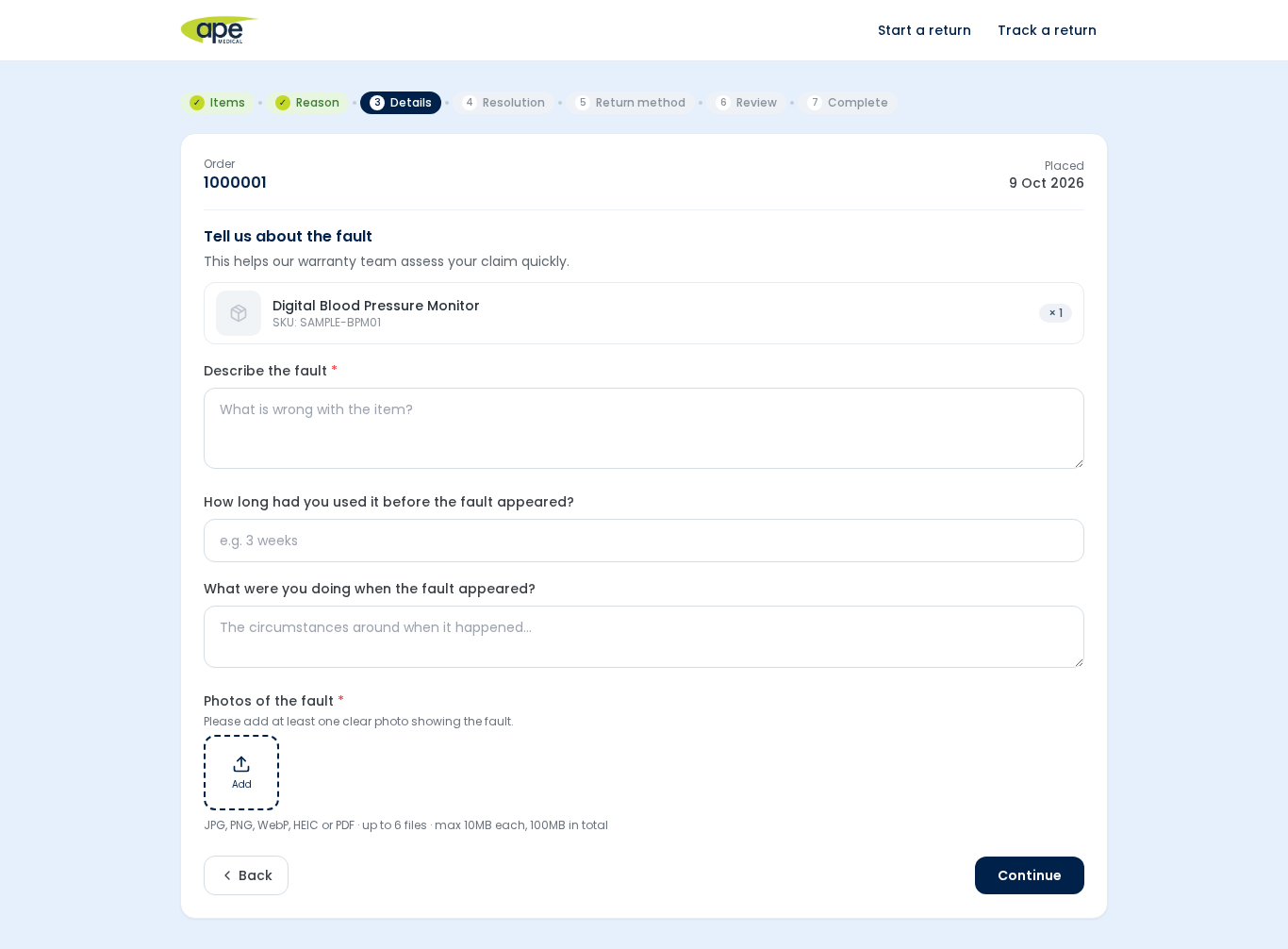
Next, choose the reason that best fits and add a short note. If photos would help us understand what’s happened – such as a fault or damage – you can upload them right there. We accept JPG, PNG, WebP, HEIC or PDF files, up to 10MB each.
Depending on your reason, you can choose a refund to your original payment method, store credit, or an exchange. If you’d like an exchange, we’ll offer some suggestions, or you can search for another product. If you choose store credit, the portal shows you how long it’s valid for, so there are no surprises.
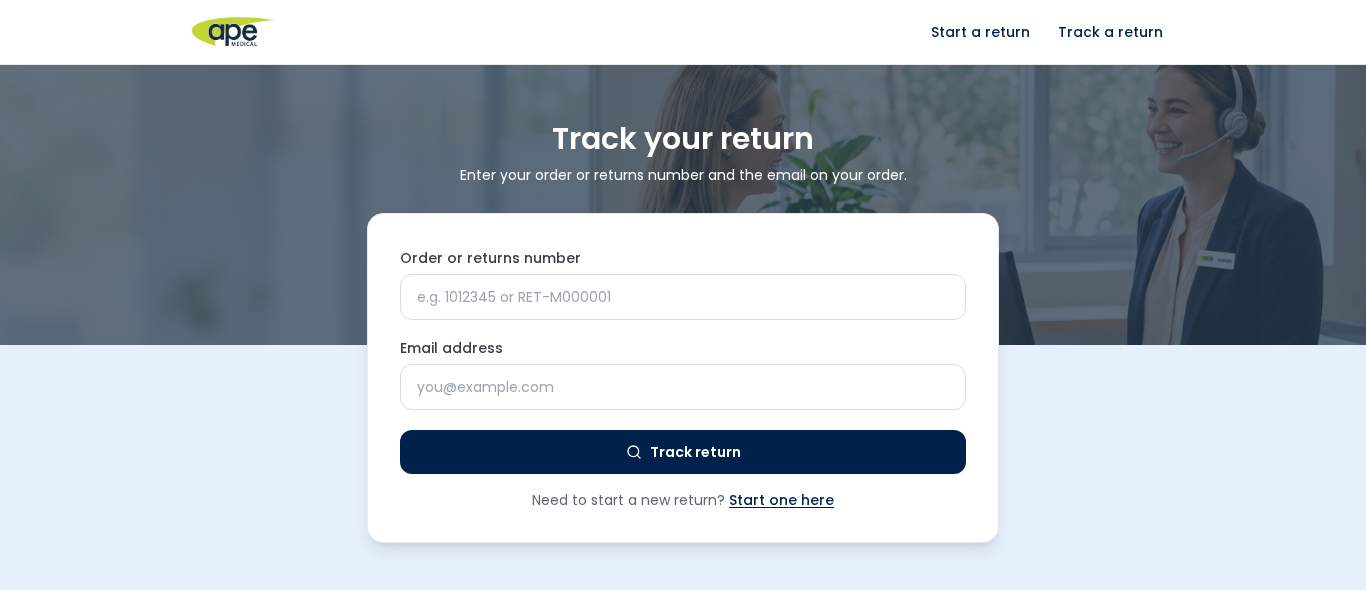
As soon as you lodge your request, you’ll receive a reference number, and we’ll send you email updates as your request moves along. If you’d like to check in at any time, visit the Track your Return page and enter your reference number and email address.
Where applicable, if your return is approved and the items need to come back to us, we’ll send you return instructions, including a printable return label with a QR code to make sending them back straightforward.
Every request is assessed under our Returns Policy, so it’s worth a quick read before you start. Cancellations are at our discretion – for example, we may not be able to cancel an order once it has already been dispatched – but the portal will guide you through what’s available for your order.
Whether it’s a return, a cancellation or a missing item, you can get started now at our Returns Portal – returns.apemedical.com.au.
Need help? Contact our team – we’re always happy to help.